What Tidbit counts
Tidbit keeps count as you play. Every answer adds to a level, to a set of achievements and to a page of statistics that shows where you’re strong and where you’re guessing.
None of it is needed to enjoy a question. It’s there for the days you want to see that the last month added up to something. Here is each part in turn.
XP and levels
- Every Trivia answer earns XP, and right answers earn more.
- Quick right answers, the Daily Question and mastering a subject earn extra.
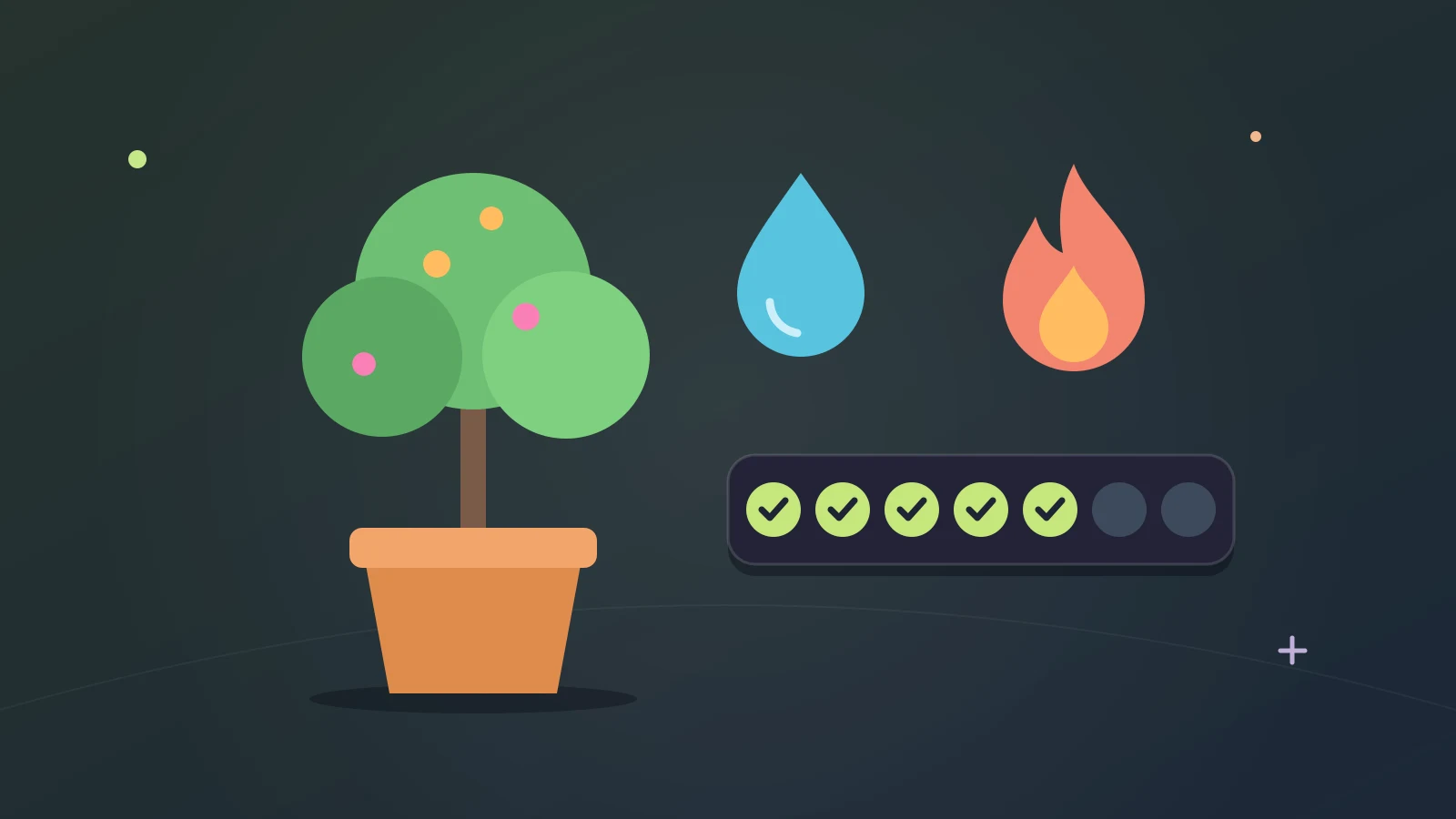
- Parties, Arena matches, Higher or Lower and watering your tree count too.
XP is the running total of your play. Earn enough and you go up a level.
Notice that a wrong answer still earns something. Levels reward turning up and playing, and getting things right speeds it along.
Premium gives no extra XP. A level means the same thing whoever holds it.
What a level-up gives you
- Quills every time you level up, and more the higher you go.
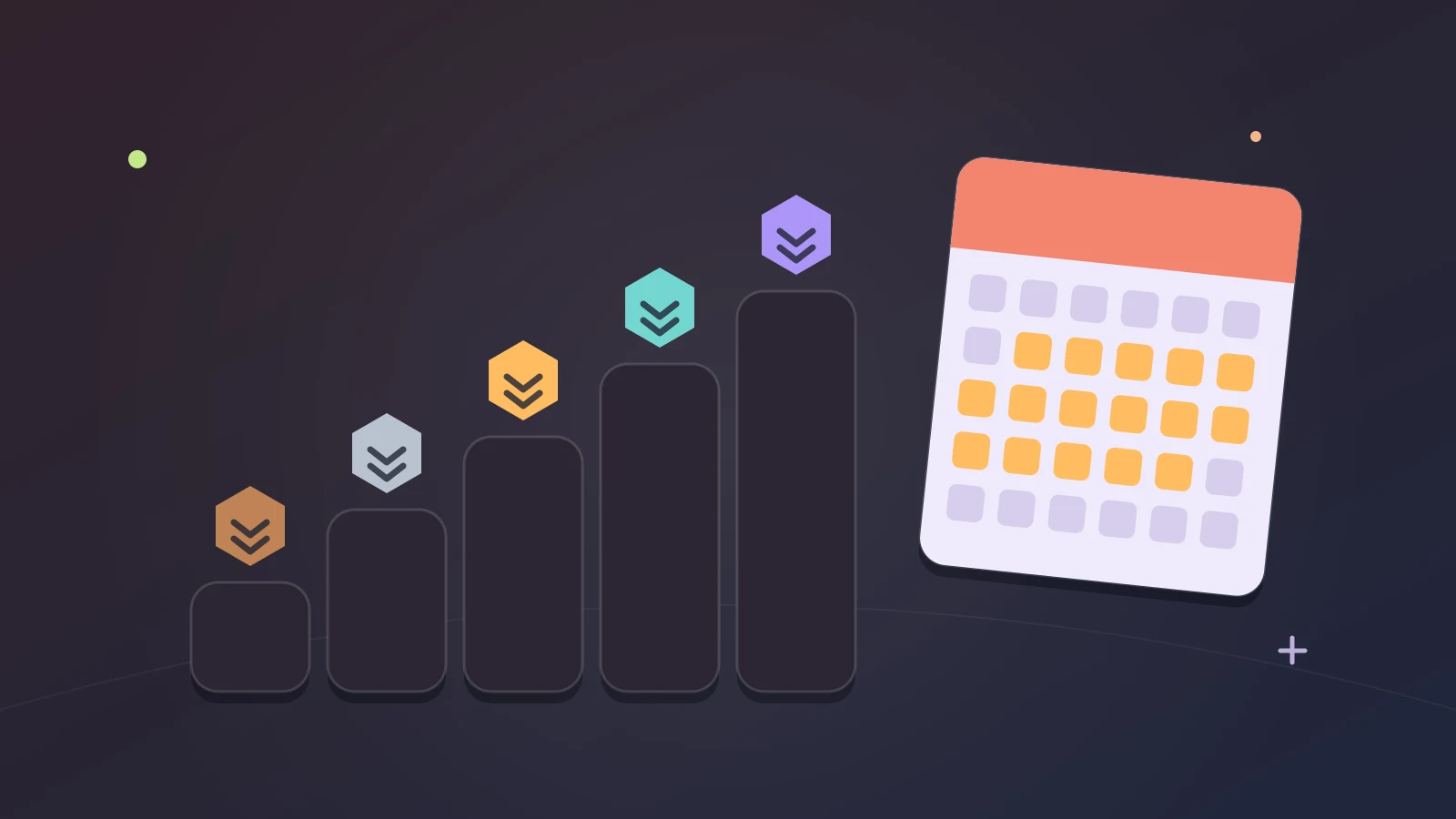
- A new level badge at levels 5 and 10, then every 10 levels up to 100.
Quills are what you spend in the Shop, and the badge marks how far you’ve come.
Levels don’t stop at 100. The new badges do, and the levels carry on.
The Levels page
Your level and XP bar are on Home. Select your level and the Levels page opens, with your XP for the last 7 days and a list of everything that earns it.
After a game, the results screen shows the XP you earned and what earned it, so you can see whether it was the right answers or the quick ones that did the work.
If the level-up notifications get in your way, you can turn them off on the Levels page.
Achievements
The trophy on Home opens your achievements. The game’s own tour describes the list as goals, your progress and rewards you can collect.
An achievement is a goal with a reward attached. When you reach one you claim it, and claiming pays Quills.
Some belong to one corner of the game. The Trivia Tree has a set of its own, with names like Green Thumb, Evergreen, Harvest, Rare Find, Orchard and Birdwatcher.
They’re a good answer to “what should I play today?” Open the list, find one that’s close and go and finish it.
Quills and the Shop
Quills are earned by playing and spent in the Shop. Level-ups pay them, achievements pay them, and so do correct Higher or Lower answers.
The Shop sells things that change how your profile and your game look and sound: borders, profile cards, backgrounds, name fonts and colors, titles, sound packs and button themes.
Every account can buy in the Shop, whether you’ve linked it or not. A few cosmetics come with Benefactor, a one-time purchase, instead of being sold for Quills.
The Statistics page
Statistics is free for every player. In the tour’s words, it opens your statistics, including your answers and accuracy.
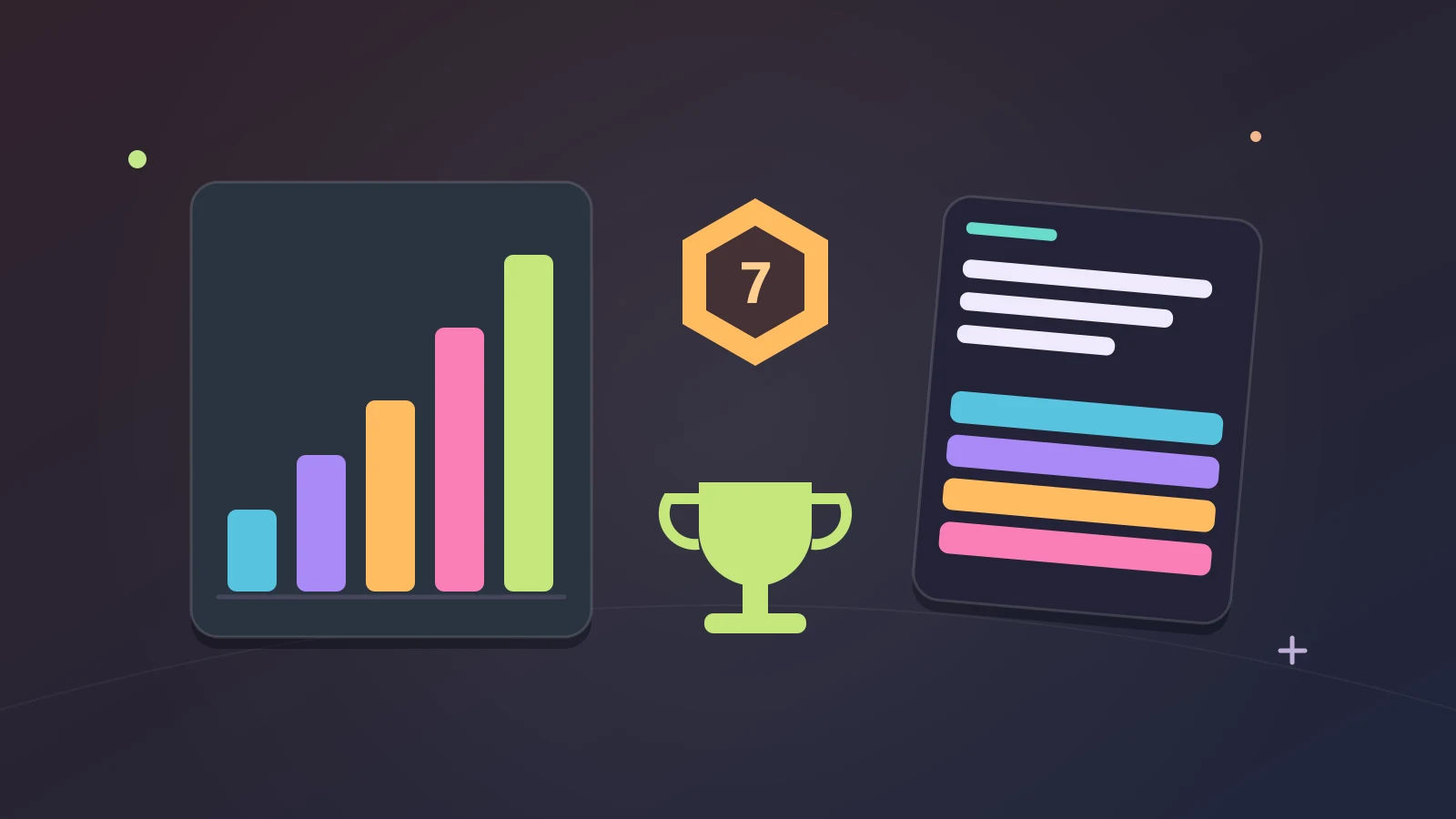
The page is built from cards. Activity, Streaks and Records cover how much and how steadily you play. Your subjects and Every subject cover what you know. What you play and Mode mix cover where your time goes.
Three measures run through it: Answered, Accuracy and Speed.
Accuracy and speed by subject
This is the part worth opening the page for. Your subjects shows how you do in each subject you’ve played, and Speed by subject shows how fast you answer in each.
The two together tell you more than either alone. High accuracy with slow answers means you know it but have to dig for it. Fast and wrong means you’re guessing. A subject with almost no answers is one you’ve been avoiding.
From there the next step is easy. Pick the weak subject in Freeplay’s settings, play it on its own for a few days, then come back and look again.
Streaks and records
- Best day streak: your longest run of days.
- Quick answers: right in under 5 seconds.
- Longest session: your longest sitting.
Records are small things, but they give a slow week a floor. The record is still there when you come back.
Arena, parties and Higher or Lower in your statistics
Statistics isn’t only about Freeplay. There’s an Arena section with your rank, your record and your last 10 matches. Parties and Co-op have cards of their own. Higher or Lower has one too, and the Quills you earn there are shown separately.
Your Arena rank also appears on your profile card. How ranks and seasons work is covered in the guide to ranked trivia.
Where to find it all
- On a computer: your level, the trophy and Statistics are all on Home.
- On a phone: your profile has a page of its own, with your tree, achievements, statistics and cosmetics.
Not sure what a button does? On a computer, the Help menu has a Tutorial that walks around Home and explains each one.
What it costs
Nothing. Statistics is free for every player, levels and achievements come with playing, and Premium gives no extra XP.
You don’t need to sign up either. Tidbit makes your account on your first tap and saves your progress from there. Linking it is what opens it on another device: see how Tidbit keeps your progress without a sign-up.
One way to use it
- Play as you normally would for a week.
- Open Statistics and find the weakest subject you’ve actually played.
- Play only that subject in Freeplay for a few days.
- Check the trophy for an achievement that’s close, and finish it.
- Look at Statistics again and pick the next subject.
That’s the whole loop, and it gives a week of trivia a direction.
Where to go next
The daily side of all this is the Trivia Tree, which is watered when you get ten answers right in a day: see the Trivia Tree and its streak.
If it’s rank you’re after, read how ranked trivia’s ranks and seasons work.
Or go and earn some XP: Freeplay is on Home.
Tidbit is for ages 13 and above.
By the team making Tidbit. Questions or a correction? Get in touch.