
What the Trivia Tree is
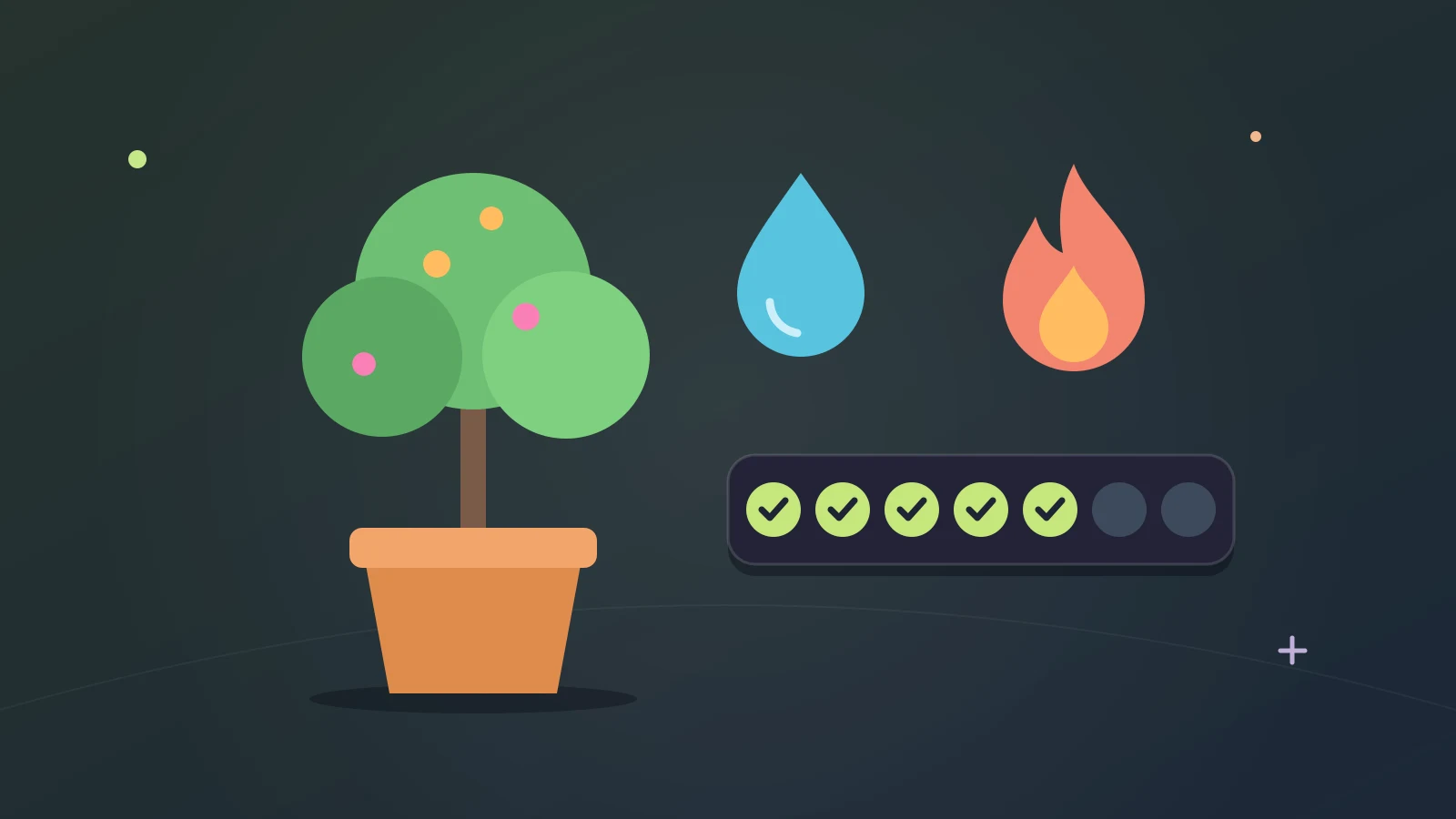
The Trivia Tree is a small tree in a pot that lives in your Tidbit account. You plant it, and then you keep it growing by playing. The game’s tour puts it in one line: answering questions each day helps it grow.
It’s a streak you can look at. The longer you keep it going, the more there is to see.
How watering works
Get 10 answers right in a day and the tree is watered. That’s the whole rule.
Only right answers count, and wrong ones cost you nothing. A bar along the bottom of Home’s tree button fills with each right answer until the tree is watered, so you can always see how far off you are.
Which answers count
- The trivia modes.
- Higher or Lower.
- Parties.
- Arena matches, and Arena Training with Premium.
- Study.
So nearly anything you play in Tidbit waters the tree. There’s no special daily task to do. Ten right answers will do, wherever you get them.
Your streak
Your streak counts the days in a row you water the tree. Home’s tree button shows it in a flame, and on a phone the Trivia Tree row on your Profile page shows it too.
A streak makes the daily decision small. You only have to ask whether the tree has been watered yet, and fixing that takes a few minutes.
Fruit, Quills and Seeds
Once the tree has grown, you can pick a fruit from it each day. Fruit pays Quills, which you spend in the Shop, and Seeds, which you spend on the tree itself.
A longer streak brings rarer fruit, all the way up to the Yubari melon. So the streak is more than a number to protect. It changes what the tree gives you.
Birds, pots and seasons
Birds move in as the tree grows, and each one comes with its own bonus. They’re also the nicest part to look at. A bare young tree and a full one with birds in it feel like different places.
Seeds buy new pots and seasons, which change how the tree looks.
If you miss a day
- Rain clouds water your tree on a day you miss.
- Fertilizer gives back a lost streak and the levels it cost.
Everybody misses a day eventually, and a lost streak costs the tree some of its levels. The tree has these two kinds of help, so one busy Tuesday doesn’t have to undo a month.
Reminders
The tree has watering notifications. If you’d rather not get them, the bell on the tree page turns them off.
A ten-answer routine
- Play Freeplay on a subject you like until the bar on the tree button is about half full.
- Switch to Higher or Lower for the rest.
- Answer the Daily Question while you’re there. It’s one question, and it earns extra XP.
That’s a few minutes, and none of it needs Premium. On a day with friends around, a party game can cover the ten on its own.
If ten in one go feels like a chore, split it: a few with your morning coffee and the rest at lunch.
Where the tree lives
On a computer, the tree button is on Home. On a phone, the tree is on your Profile page, which is in the bar at the bottom of the screen. The first time you open it, a tour offers to show you around.
Do you need to sign up?
No. Tidbit makes your account on your first tap, and that account can plant a tree. Your progress is saved as you play.
There’s one thing to know. Until you link the account, clearing your browser data loses it, and the tree goes with it. Linking is optional and is explained in how Tidbit keeps your progress without a sign-up.
What the tree adds up to
Watering the tree earns XP toward your level, and the tree has achievements of its own: Green Thumb, Evergreen, Harvest, Rare Find, Orchard and Birdwatcher.
Levels, achievements and the statistics page are covered in what Tidbit tracks as you play.
Where to go next
The other daily habit in Tidbit is the Daily Question, one question a day that is the same for everyone: see the Daily Question guide.
Tidbit is for ages 13 and above.
By the team making Tidbit. Questions or a correction? Get in touch.