Press Minimize
- Open Tidbit in a computer browser and start from Home.
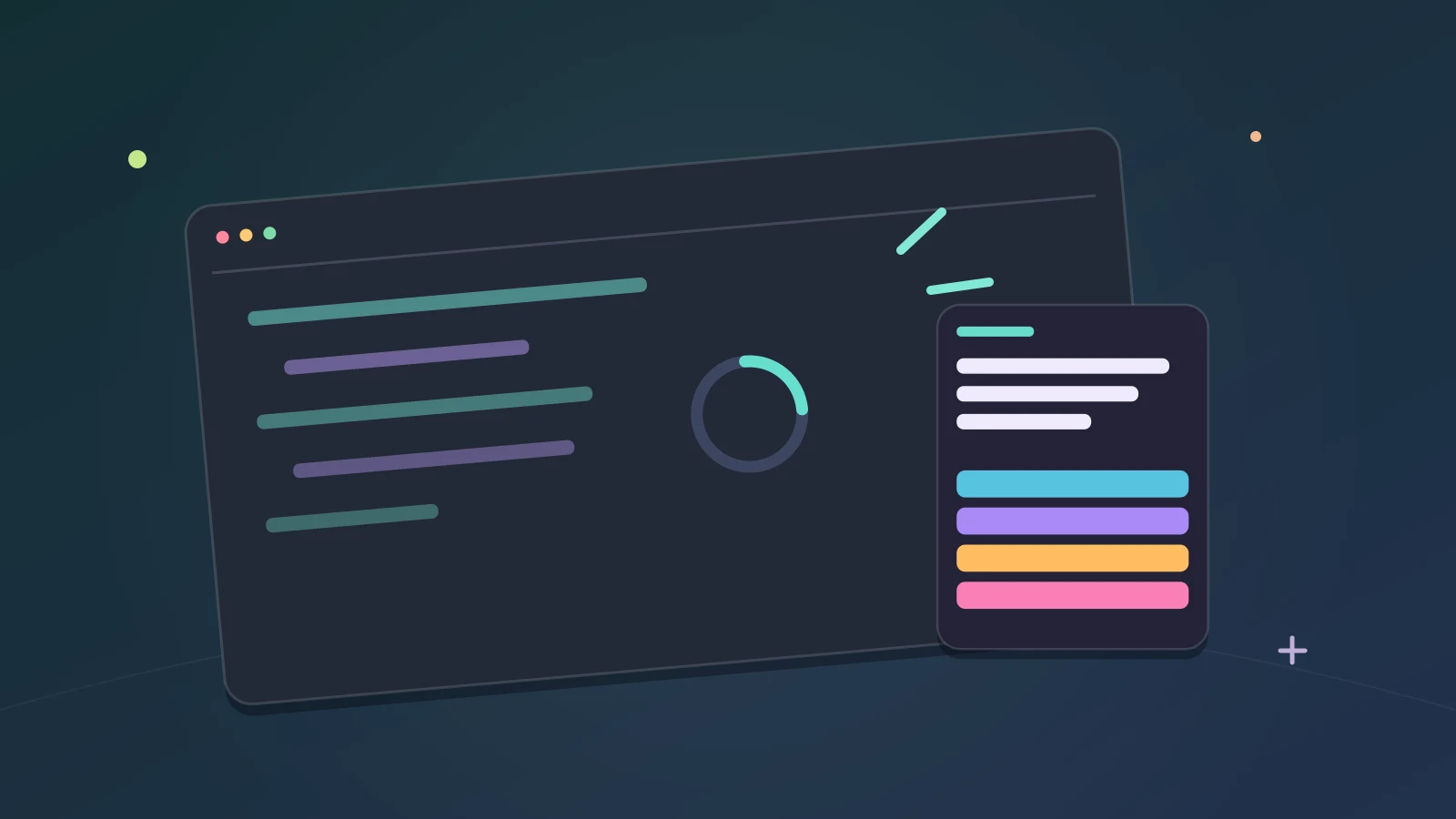
- Press Minimize in the top bar. Tidbit moves into a small window in the corner of your screen.
- Keep playing there while the rest of your screen stays free for other work.
The small window is taller than it is wide, and a little under half the height of your screen at most, so a question and its answers fit without covering everything else.
Where Minimize works
Minimize works in computer browsers, not in private browsing. It is part of the website at computer sizes; the phone layout and the Discord Activity do not have it.
It is free for every player. Minimize is not a Premium feature.
Pick your corner
The small window opens in the bottom right corner of your screen. To use a different corner, pick it in Settings.
If the small window does not open
Tidbit only moves your game when your browser can keep your progress. In private browsing it cannot, so open Tidbit in a regular browser window and press Minimize again.
On a phone or in the Discord Activity, keep playing in the regular game view.
A game for the small window
Freeplay suits a small window, because you can stop after any question. Waiting on an AI task or a build? Here is how to play trivia while your AI works.
If choosing subjects is the hard part, try one of these five general knowledge mixes.
What is free?
Traditional Trivia Freeplay and Higher or Lower Freeplay are free, with a daily play limit. No download or sign-up is needed to start, and there are no ads. Premium unlocks every mode and removes the daily limit.
Tidbit is for ages 13 and above.
By the team making Tidbit. Questions or a correction? Get in touch.