Why a short round works
A team does not need a big event to get to know each other a little better. A few minutes of trivia at the end of a meeting gets people talking about something other than work, and it takes almost nothing to set up.
It works because anyone can win. The quiet person on the team might know every capital, and the person who runs every meeting might not know one.
It also needs nothing from anyone in advance. Nobody has to write questions, read them out or mark answers; the game does all of that, and the host gets to play too.
Here is how to run one with Tidbit, with everyone playing from their own browser.
What you need
- A computer, tablet or phone for everyone, with a web browser. There is nothing to install, which helps on work computers.
- One person to host. The host creates the party and chooses the game, the subjects and the difficulty.
- Ten minutes at the end of a meeting, or a short slot of its own.
- Your usual video call, if the team is not in one room.
- Headphones, in an open office.
Nobody needs to sign up, and joining a party is always free.
Set it up before the meeting
- Open Party a few minutes early and create a party.
- Paste the invite link into the meeting chat, or read out the code.
- Choose the game, the subjects and the difficulty while people join.
- Start when everyone is in, and keep the first round short.
There is no need to share your screen. Everyone sees the questions on their own screen and answers there, so the host gets to play too.
If some people only have the meeting on their computer, they can join the party from their phone instead.
A ten-minute agenda
- Share the invite link in the meeting chat while the last item wraps up.
- Give everyone a minute to join from their own browser.
- Play one short Game Show round.
- Show the scores, congratulate the winner, and end the meeting on time.
That is all it takes. If people ask for another round, that is a good sign: save it for next time.
Team size and what is free
Anyone can host a Game Show party for up to 4 people, host included, and joining is always free. When one player in the party has Premium, it holds up to 10 and can play every party mode.
Two players are enough to start a game, so even a very small team can play.
Each day, one of the other party modes is free for everyone.
For something smaller, share the Daily Question in the team chat. It is one question, the same for everyone, and it takes a minute.
Bigger teams and events
For a bigger team, run more than one party at once. Split people into groups, give each group its own host, and play the same subjects in every party.
Compare the winners at the end, or bring them together for a final in one party. A final between the winners of each group makes a good ending to a team event.
If you would rather keep everyone in one game, let small groups take turns, a round each, and keep a tally across the rounds.
Remote, hybrid or in the office
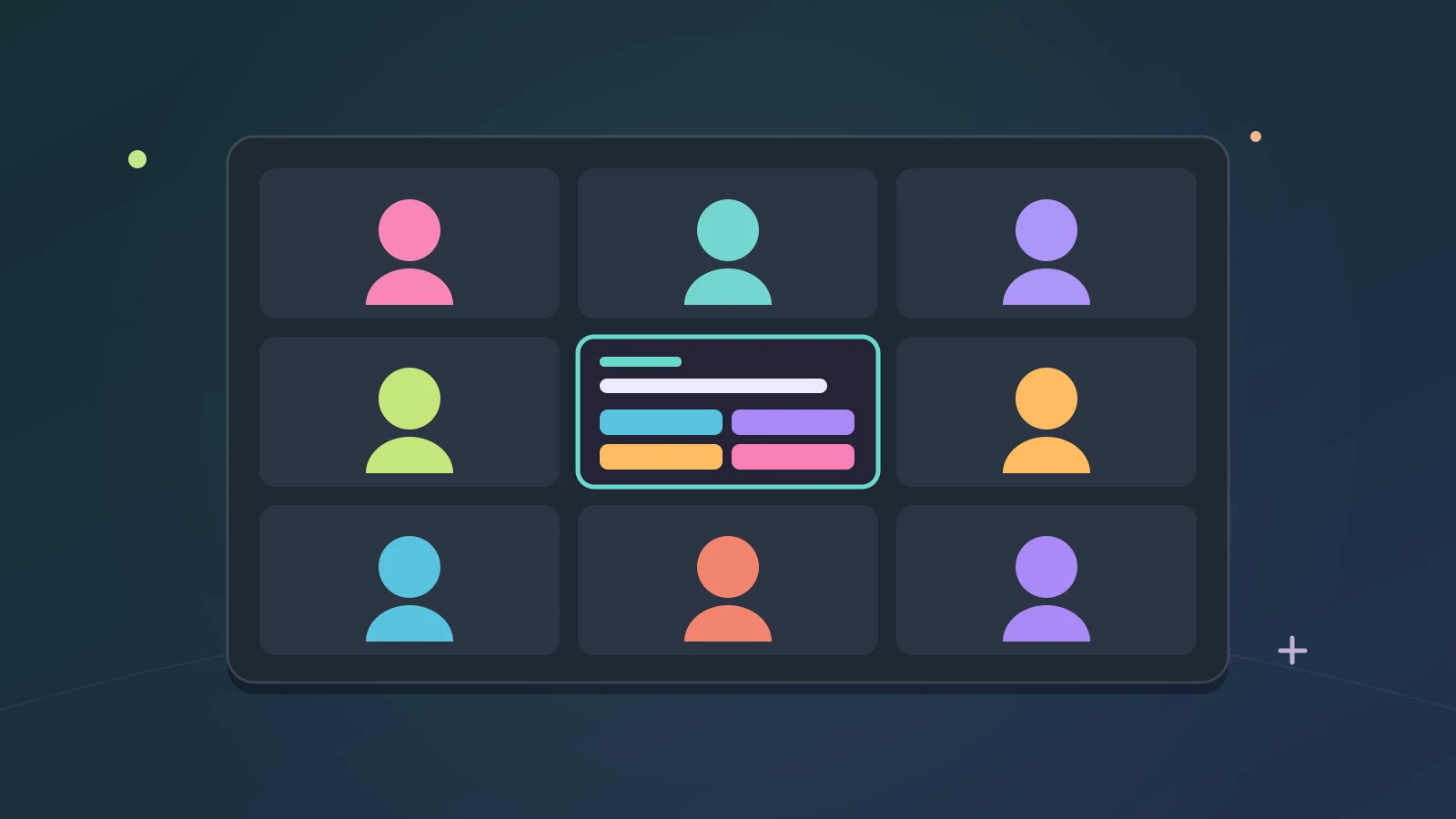
- Remote: everyone joins the party from their own browser, with the video call open alongside.
- Hybrid: people in the room play on their phones, and people at home in their browsers. Everyone sees the same question at the same time.
- In the office: phones around a meeting table work just as well as a big screen.
It works the same in each case, because every player answers on their own screen.
Pick subjects everyone can play
- Start with general knowledge, so everyone has a chance.
- Let a different person choose the subject each time.
- Mix lighter subjects, such as food and drink, film and TV or music, in with the harder ones.
- Keep the difficulty friendly. A round everyone can play beats one that the same person always wins.
There are 30 subjects to pick from, so a weekly round takes a long time to run out of new ones.
You can try any subject on your own first: general knowledge trivia and geography trivia open Freeplay on those questions straight away.
Formats that fit a meeting
- Game Show: everyone answers the same question at the same time, and answering faster scores more. It is free and the simplest way to start.
- Co-op: everyone works through one shared pool against a clock, choosing which questions to take on. The whole team plays on the same side.
- Tournament: one-on-one Game Show bouts through Swiss-seeded finals or a double-elimination bracket. Good for a longer team social.
- Conviction: you answer in secret, then see what everyone else picked and can change your mind. Good for a team that likes to debate.
The modes other than Game Show need one player in the party with Premium, apart from the one that is free for everyone that day.
Co-op is the one to try when people would rather not compete with each other. Nobody is last when everyone is on the same side.
Make it a regular thing
- Pick a regular slot, such as the end of the last meeting of the week.
- Rotate the host and the person who picks the subjects.
- Keep a simple league table in the team chat.
- Share the Daily Question on the days without a round.
A regular round gives new starters an easy way in, too. Playing a round together in their first week is a lot less awkward than an introduction exercise.
Start or end of the meeting?
At the start of a meeting, a round wakes people up and gets the conversation going. At the end, it is something to look forward to and a clean way to finish. Try both and see which your team prefers.
Either way, keep it to one round. The meeting is the main event; the trivia is the part people remember.
Keep it light
- Keep it optional. People who would rather watch can watch.
- Keep it short. Ten minutes leaves people wanting another round next time.
- Keep prizes small, or skip them. Bragging rights are plenty.
- Mix the groups up now and then, so the same people are not always playing together.
- Check your workplace’s rules on games and websites first.
For a team in one room, everyone can play on their own phone: here is how to run party trivia in the same room. For a longer evening with friends, see how to run an online trivia night.
Tidbit is for ages 13 and above.
By the team making Tidbit. Questions or a correction? Get in touch.