What Study is
Most of Tidbit asks you its own questions. Study is the part where the questions are yours. In the game’s words, you create decks from your own questions, then use them to practice.
A deck is a set of multiple-choice cards. Each has four options and one right answer, like every other question in the game. The difference is that they’re about your course, your hobby or the round your quiz team keeps losing.
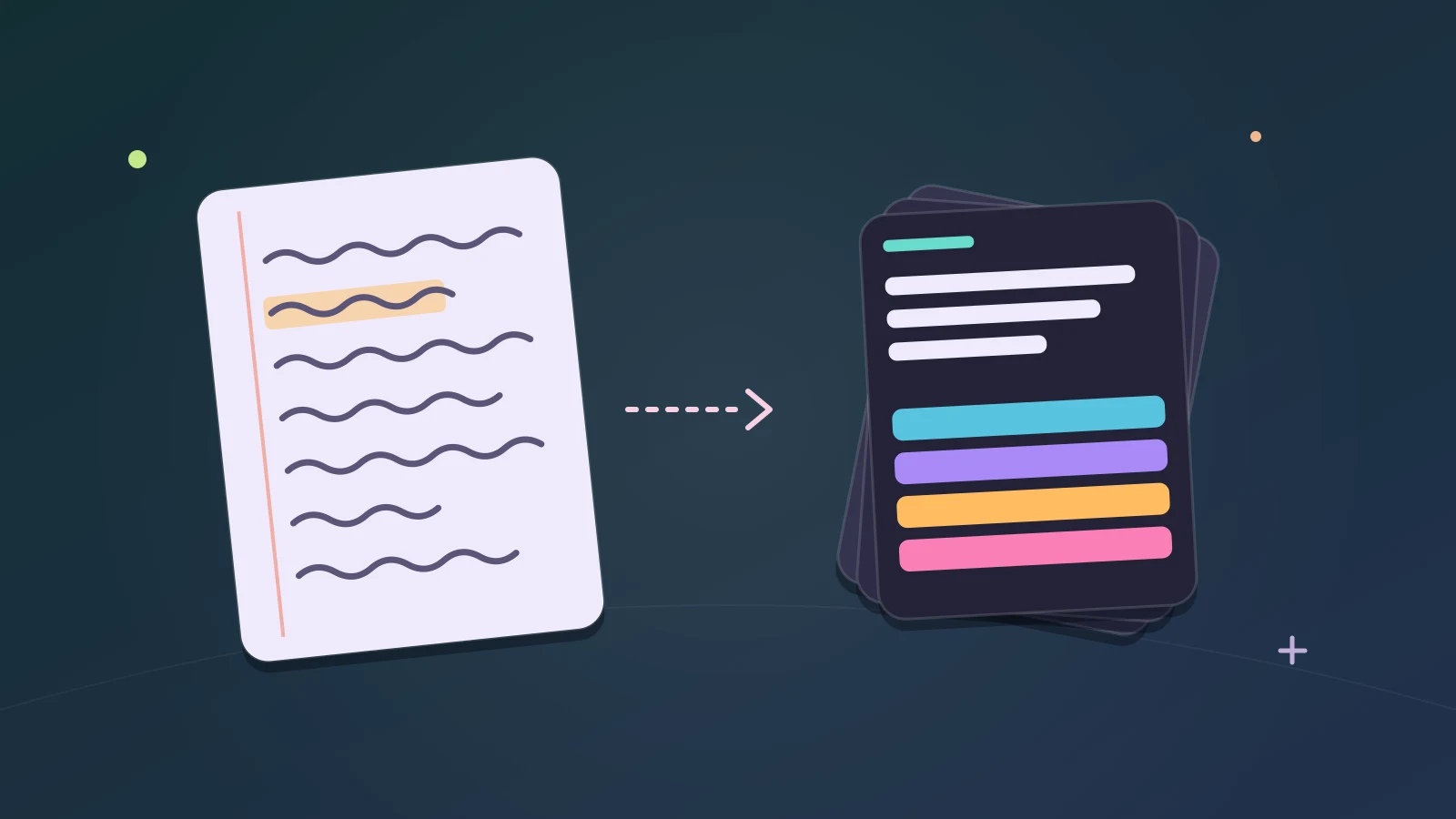
You don’t type the cards in one by one. An AI chat writes the deck from your notes, and you paste the result into Tidbit. This guide walks through it.
What you need
- Tidbit open on the website or in Discord.
- An AI chat you already use. Any of them will do.
- Your notes, or just the name of a subject.
There’s nothing to install, and Tidbit makes your account on your first tap, so there’s no sign-up form to get through first.
Make a deck, step by step
- Open Study. On a computer it’s in the Play menu at the top of the screen, and it has a button on Home.
- Choose to create a deck, then copy the prompt Tidbit gives you.
- Open your AI chat, start a new chat and paste the prompt in as the first message.
- Paste your notes, or name a subject. A photo of your notes works too.
- Read what it writes and keep going until it is right. Too easy, too wordy, missing a chapter: say so.
- Copy its reply and come back to Tidbit.
- Paste the deck in and press Check the deck.
Most of the wait is the AI writing. On Tidbit’s side it’s one copy, one paste and a button.
What the prompt asks the AI to do
- It works from your own material, or from just the name of a subject. If you give it neither, it asks which you want and roughly how many questions.
- When you give it notes, the notes are the syllabus. It covers all of them and adds nothing from outside unless you ask.
- Where your notes disagree with what the AI thinks it knows, it follows your notes.
- A number you name is a ceiling. The AI isn’t supposed to pad the deck to reach it by asking one fact several ways.
- It writes as much as it can finish properly in one reply, then tells you to say continue for the next batch.
You don’t have to read the prompt to use it. It helps to know what’s in it, though, because it explains how the AI behaves. If it stops partway and asks you to say continue, that’s the prompt working.
When the paste doesn’t work
Sometimes the AI’s reply isn’t quite in the shape Tidbit expects. You don’t have to fix that by hand. Tidbit shows you a message for the AI: send it back to the same chat, then paste its new reply.
If you paste a later batch where a new deck should go, Tidbit tells you that too. It says this is another part of a deck, and to open your deck and choose Add questions.
Check the deck before you trust it
An AI can be confidently wrong, and a wrong card teaches you the wrong thing. Before you rely on a deck, read through it with your notes beside you.
Tidbit helps a little here. When something in a deck looks off, it lists it under “Worth a look before you import”. You can import the deck anyway, or send the list back to the AI and let it fix the cards.
You can also fix a card yourself. Edit question lets you change the wording and the answers, with a tick on the right one.
Two dials: Deadline and Get right
- Deadline: when you want to know it all. Repeats are spaced to fit.
- Get right: how often you want to answer right when a question comes back. Higher brings questions back sooner.
Those are the game’s own descriptions. Between them, the two dials decide how often a card you’ve seen comes round again.
If you have a date in mind, set the Deadline to it. If you’re making a deck for fun, you can leave both alone.
Add to a deck later
A deck isn’t finished when you import it. Add questions takes another batch: go back to the chat that wrote the deck, ask for more and paste the reply in.
There’s also a way to replace a deck with a new version, which is useful after you’ve talked the AI into a better one.
How much is free
- Free, on the website and in Discord: 2 decks of up to 50 questions each, text only.
- With Premium: up to 5 decks of up to 500 questions each, with pictures.
Two decks of fifty is enough for a chapter, a quiz round or a list of irregular verbs. If you outgrow it, what Premium costs is in the plain list of what is free in Tidbit.
Study waters your Trivia Tree
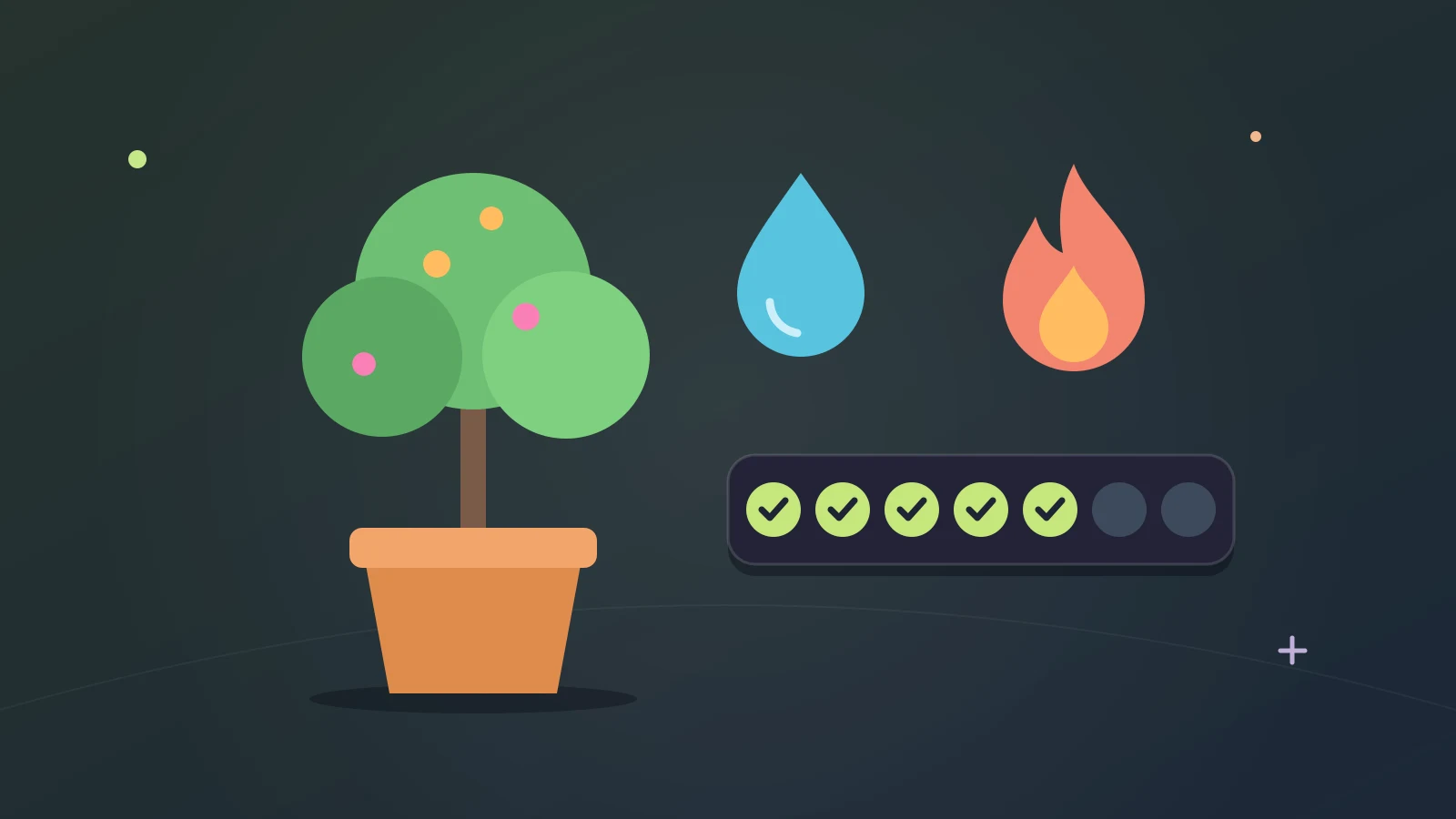
Right answers in Study count toward watering your Trivia Tree, the same as right answers in the rest of the game. So a study session keeps your daily streak going too. The tree has a guide of its own.
Good things to make a deck from
- A chapter of lecture notes or a review sheet.
- The vocabulary list for a language class.
- The rules of a board game or a sport you’re learning.
- The subjects your quiz team keeps losing points on.
- A hobby with a lot of names in it: birds, wines, chess openings, football seasons.
Anything with facts in it works. Material that is mostly opinion or argument makes weaker cards, because a multiple-choice question needs one answer that is plainly right.
Tips for a better deck
- Give it real notes when you have them. A bare subject name gets you general questions.
- Say who the deck is for. “First-year biology” and “pub quiz” want different questions.
- Ask for fewer, better questions before you ask for more.
- Tell it when the wrong options are too silly. Good wrong answers are what make a card hard.
- Split a big subject into two decks, so you can practice one half at a time.
What Study doesn’t do
Study doesn’t check your deck against the truth. It checks that the deck is in the right shape and flags cards that look off. The facts are between you, your notes and the AI.
It doesn’t promise a grade. It’s a way to practice with questions about your own material, and how much that helps depends on the material and on you.
You paste your notes into the AI chat you chose, so that chat’s own rules apply to them. What comes back to Tidbit is the deck.
Where to go next
Getting ready for a quiz night? Study is one part of a 15-minute pub quiz practice routine.
If you’d rather answer Tidbit’s own questions for a while, the trivia game modes are explained in a guide too.
Tidbit is for ages 13 and above.
By the team making Tidbit. Questions or a correction? Get in touch.