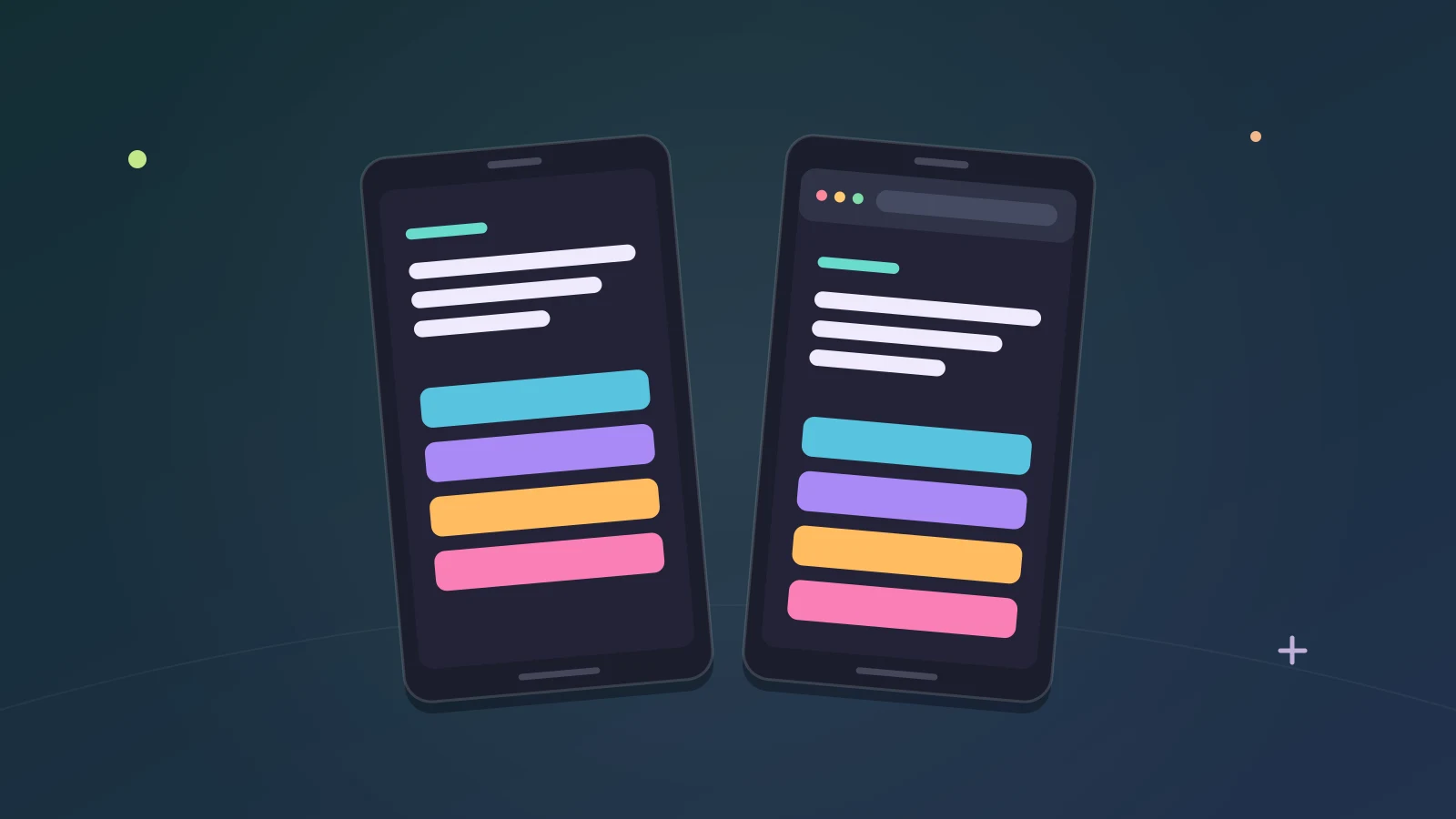
Two ways to play on a phone
Tidbit runs in a phone’s browser with nothing to install, and there’s an Android app on Google Play as well. Both open the same game and the same account.
This guide covers what each one gives you and how to choose between them.
The Android app
You can get Tidbit Trivia from Google Play, for Android phones running Android 8 or newer. Search Google Play for Tidbit Trivia. Once it’s installed, it’s called Tidbit on your phone.
The app is on Google Play in the United States to begin with.
It’s a native Android app, and you can play straight away, with no sign-up needed.
What is in the app
- Freeplay, Higher or Lower, the Daily Question and the other game modes.
- Ranked 1v1 Arena, with its leaderboards and your match history.
- Friends, rooms and parties. Party invites pop up on any screen.
- Your Trivia Tree, levels, achievements and statistics.
- The Store and your cosmetics: borders, profile cards, backgrounds, name fonts and colors, titles, sound packs and button themes.
Your account comes with you
The app uses the same account as tidbittrivia.com. Sign in, and your progress, Quills, cosmetics, friends and Premium come with you.
If you start in the app, Create account or Sign in, with email or Google, keeps your progress. After that, the same account opens on the website too.
How accounts work, and why you never meet a sign-up form before the first question, is in a trivia game with no sign-up.
Links open in the app
Room and party links from tidbittrivia.com open right in the app. If a friend sends you a party link and you have the app, tapping it takes you to the party there.
Updates, mobile data and accessibility
- When a new version is out, the app offers the update as soon as you open it.
- On mobile data, the app downloads only the pictures your questions need, and the rest on Wi-Fi.
- The app works with large text and TalkBack.
The phone browser
The other way needs no install at all. Open tidbittrivia.com in your phone’s browser and the game loads there, with no download and no sign-up needed.
On a phone, the site has a bar along the bottom with five tabs: Play, Variations, Ranked, Social and Profile. The Daily Question is on the Play tab. Profile is a page of its own, with your tree, achievements, statistics and cosmetics.
This is the quickest way to try Tidbit. It’s also the easiest way to get a friend into a party: send them the link, and it takes them straight in with no sign-up first.
The website offers the app
If you open the website on an Android phone, a pop-up offers the Android app. The same happens in Discord’s phone app.
Getting help on a phone
- In the app: a menu at the top right of the Play tab opens the Blog, Patch Notes, About Tidbit and Submit a Bug.
- On the phone website: Settings has Submit a Bug, Submit Feedback, Contact Support and Patch Notes.
If a question looks wrong, you can report it from the question itself.
Playing offline
With Premium, you can keep playing Freeplay with no internet connection once you’ve connected. That’s handy on a flight or a train. Every other mode needs a connection.
Which to pick
- Just trying Tidbit: the browser. There’s nothing to install.
- Playing most days on an Android phone: the app.
- Joining a friend’s party in a hurry: the browser link.
- Using large text or TalkBack: the app works with both.
You don’t have to choose for good. It’s one account, so once you’ve signed in you can use the app on your phone and the website on your computer and see the same progress in both.
On a computer
On a computer, Tidbit runs in the browser, and it can shrink to a small window that sits beside your work. That’s covered in trivia in a small window.
Where to go next
New to the game? The plain list of what is free in Tidbit is a good place to start.
Or open Home on your phone and answer a question.
Tidbit is for ages 13 and above.
By the team making Tidbit. Questions or a correction? Get in touch.