Two ways to play trivia in Discord
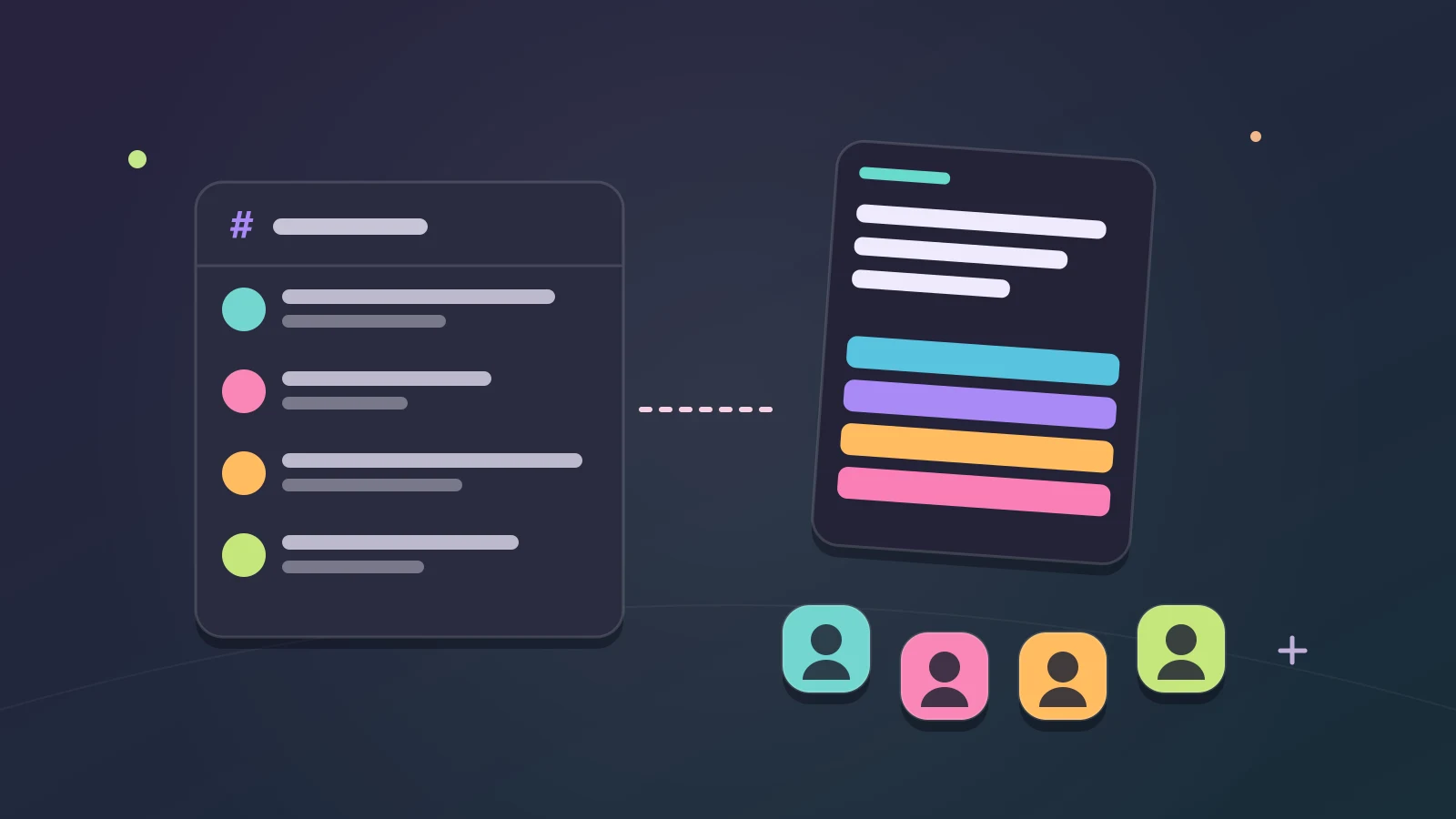
Look for a way to play trivia on Discord and you will find two kinds of answer. One is a trivia bot: an app added to your server that posts questions as messages in a text channel. The other is an Activity: a game that opens inside Discord itself, in a channel, where the people in that channel play the same game together.
Both can make a good trivia night. They suit different servers and different moments. A bot fits a channel that people drop into through the day. An Activity fits the moment when your friends are already together and want to play at the same time.
Tidbit Trivia is an Activity. This guide explains the difference, shows how to start Tidbit in your server and helps you choose what fits your group.
What a trivia bot is good at
- Good for quiz channels that run all day.
- Works without anyone in a voice call.
- Usually added by someone who can manage the server.
A trivia bot lives in the chat. Someone types a command, the bot posts a question, and people answer by typing or by pressing a button under the message. Because everything happens as messages, the quiz sits in the channel’s history with everything else.
That suits servers where people are rarely online at the same time. A bot can post a question and let people answer over the next hour, and keep a running score for the whole server.
The trade-off is that a bot belongs to the server rather than to the moment. Adding one usually needs someone who can manage the server, and the game looks like the rest of the chat: a question, some replies, a score. That is fine for a slow, steady quiz channel. It is less exciting when five friends want a fast round right now.
What an Activity is good at
An Activity is an app that runs inside Discord. You open it from the App Launcher in a channel, and instead of a stream of messages you get the game itself: the question, the answers and the scores, on everyone’s screen at once.
That makes it feel like playing a game together rather than taking turns in a chat. Everyone in the game sees the same question at the same moment, and in a voice channel the reactions happen out loud while you play.
An Activity suits a group that is together right now: a game night, a break in a long call, or a few friends who hopped into voice and want something to do. When the round ends, everyone is still in the channel, ready for another.
How to start Tidbit Trivia in your server
- Open a voice or text channel in your Discord server.
- Open the App Launcher in that channel and choose Tidbit Trivia.
- Start it. Friends in the channel join the same game, up to 10 in all.
Tidbit Trivia is free to play, and it runs right inside Discord. It makes your account from your Discord name, so there’s nothing to sign up for. Everyone starts with their Discord name and picture.
One player leads the party and chooses what to play. Invite friends opens Discord’s own invite window, so you can bring in people who are not in the channel yet, and the leader can lock the party once everyone is in.
The Discord trivia page has the same steps, with a button that opens Tidbit in Discord.
What a game of Tidbit looks like
The free party game is Game Show. Everyone answers the same question at the same time, and answering faster scores more. Every question has four options, so nobody has to type an answer or argue about spelling.
The party leader chooses the subjects and the difficulty before the game starts. Pick subjects the whole group can enjoy for the first round, then take turns choosing. With 30 subjects, from history and geography to music, food and space, there is room for everyone’s favorite.
Every party mode has its own settings, so once your group knows the game, the leader can shape the next round to fit the people playing it.
Voice channel or text channel?
Tidbit starts from either. In a voice channel, the game and the conversation happen together: someone groans at a hard question, someone else claims they knew it all along. That is where a game night belongs.
A text channel suits a quieter group, or friends who cannot talk out loud right now. You still play the same game at the same moment; the reactions just arrive as messages instead.
Servers can limit who may start Activities in a channel. If you cannot start Tidbit in one, ask someone who manages the server to check that channel’s permissions, or try another channel.
What is free in the Activity
10-player trivia games are free to play. The other party modes need one player in the party with Premium, and a Premium trial counts. It’s the same Premium as on the website, bought on tidbittrivia.com.
Each day, one of the other party modes is free for everyone.
There are over 12,000 questions and 30 subjects to pick from, and you can play competitive 1v1 trivia too. Ranked Arena plays inside Discord as well, so anyone who wants a challenge after the party can find one without leaving.
Friends who are not on Discord
Not everyone in your group has to be in the Discord channel. Friends on tidbittrivia.com can join your party with its code, from their own browser.
Your Discord account is a real Tidbit account. Sign in with Discord on tidbittrivia.com and the same account opens there.
If your group mostly plays outside Discord, a party on the website works the same way: create a party, share its invite code or link, and play from your own browsers.
Which one should your server use?
- Choose a bot for a slow quiz channel, where people answer whenever they pass by.
- Choose an Activity when your friends are online together and want to play the same game at the same time.
- Choose an Activity when you are already in a voice call and want the game and the talk in one place.
- Use both if your server has room for both: a bot for the everyday channel and an Activity for game nights.
If you are planning a proper evening, here is how to run a Discord game night from start to finish. And if you would rather try the game in a browser first, open Tidbit Home and play a few questions.
Tidbit is for ages 13 and above.
By the team making Tidbit. Questions or a correction? Get in touch.